Welcome! This short guide covers everything you need to take part in the First Holy Communion programme online. Ten minutes here will save you a phone call later.
Signing in for the first time
- When your registration is approved, you will receive a welcome email from fhc@aylesburycatholic.uk. It contains a personal link to set your password. No password is ever sent by email.
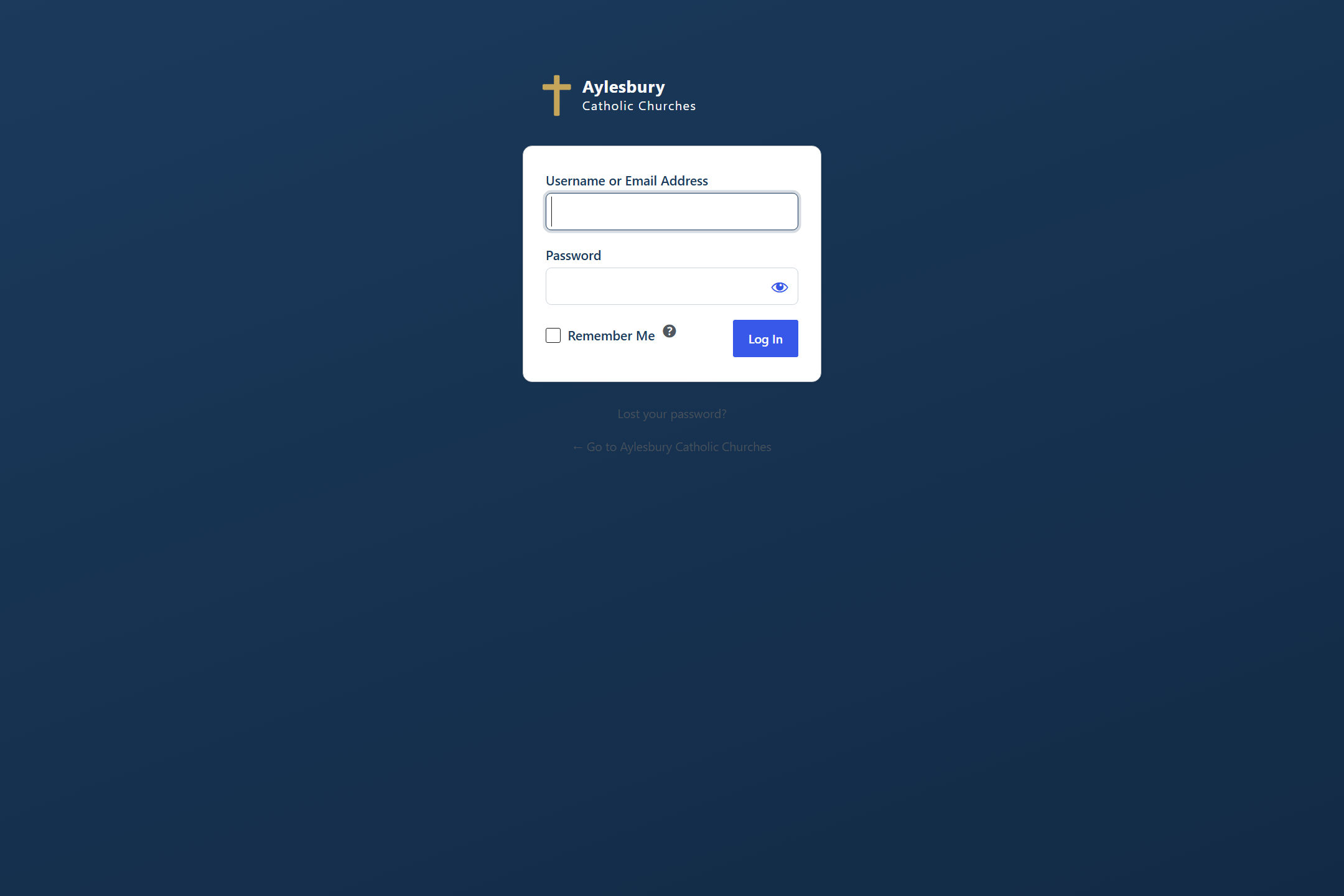
- Set your password, then sign in. Your family portal is at aylesburycatholic.uk/fhc-portal/. Bookmark it on your phone.
- Forgotten your password? Use Lost your password? on the sign-in page and a new link will be emailed to you.
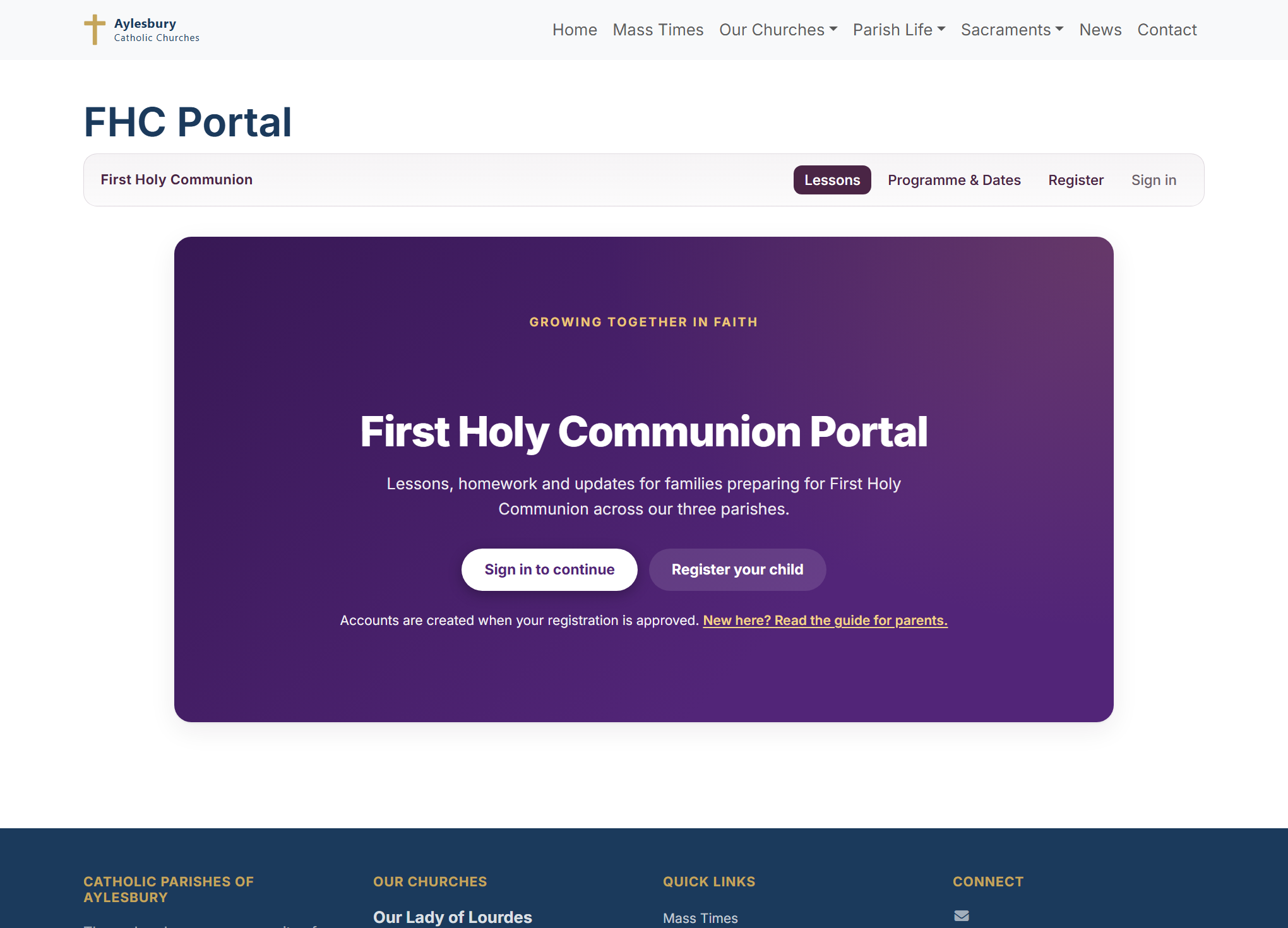
Until your registration is approved, the portal shows a welcome screen like this:
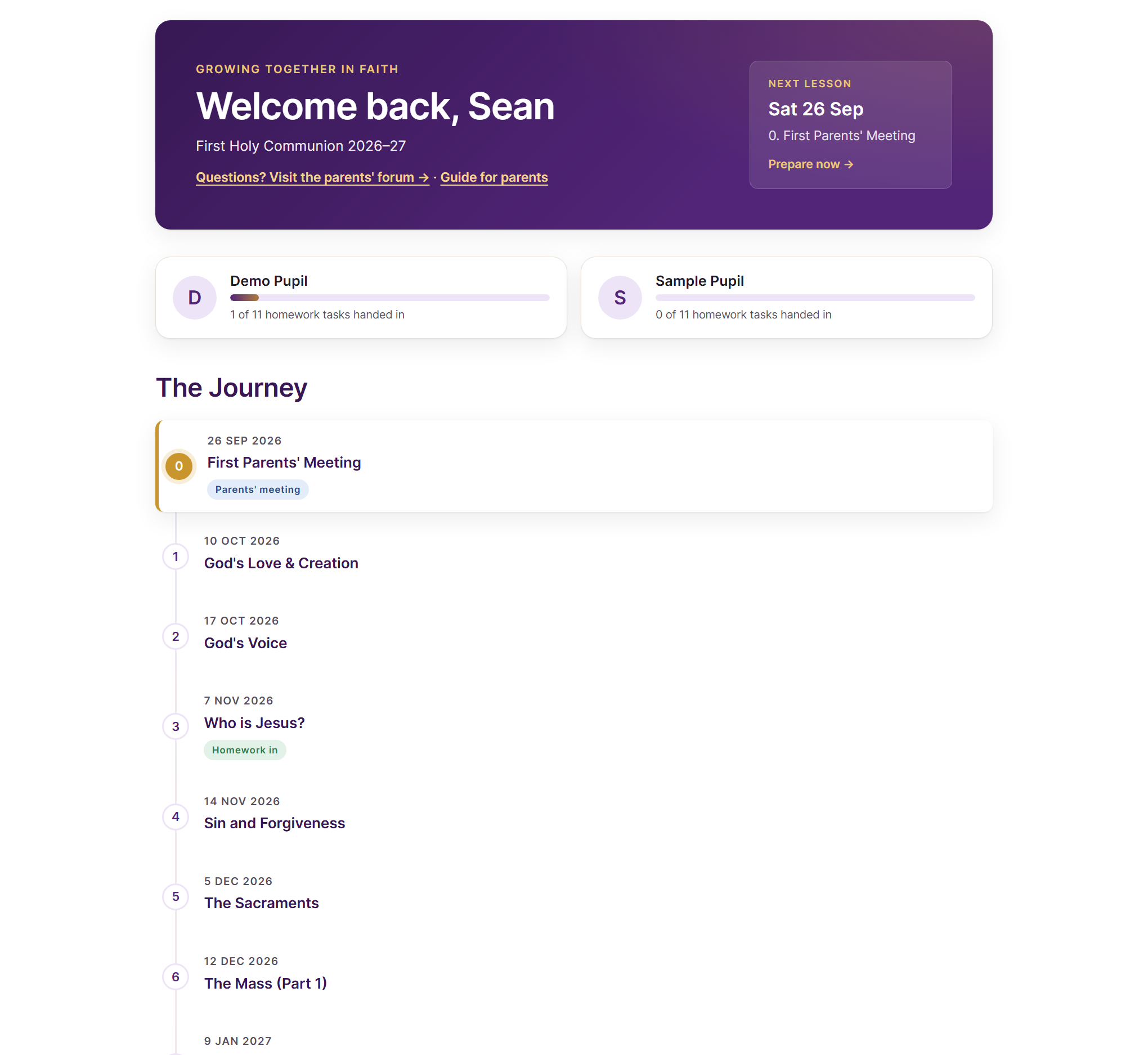
One account covers your whole family. Every child you registered appears in the same portal.
Your family dashboard
Once you are signed in you will see your children, their homework progress, and the full journey of lessons with dates. The next lesson is always highlighted at the top. Click any lesson to open it.
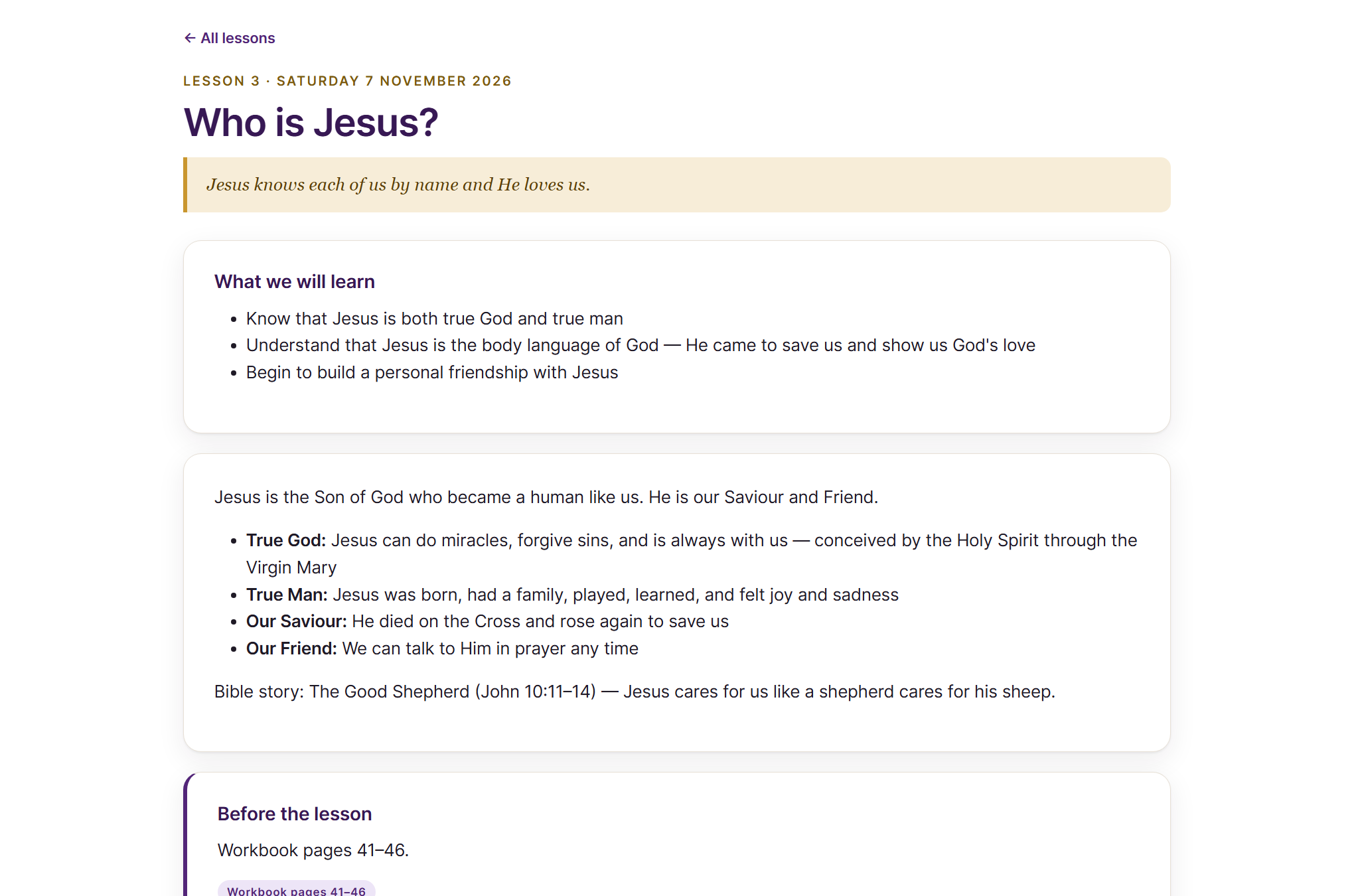
Before each lesson
Open the next lesson in the portal a few days ahead. Each lesson page shows what the children will learn, short videos to watch together (they play right on the page), and the workbook pages to look at before Saturday.
Handing in homework
- Open the lesson and scroll to the Homework panel. There is one for each of your children.
- Type the answer in the box, or take a photo of the finished workbook page and attach it. Either is fine.
- Press Hand in homework. You can update it any time until it has been marked.
Why homework waits for the lesson: you are very welcome to read ahead. The whole journey of lessons is open in the portal, and looking together at what is coming is a lovely thing to do. Homework is different. Preparing for First Holy Communion is a cumulative journey: each task builds on what the children discovered in that Saturday’s lesson, and it only does its work when it comes afterwards. So the hand-in for each lesson opens on the day of the lesson itself, and the best homework is done in the days just after, while it is all still fresh in your child’s mind. There is nothing to gain by working ahead, and the portal will simply ask you to wait.
When a catechist has looked at the homework you will see the result under the same lesson: Marked, well done! or Please have another go, sometimes with a short note. The dashboard shows each child’s progress through all the homework tasks.
The parents’ forum
Questions go on the parents’ forum, not into WhatsApp groups or personal phone numbers. Ask anything. If you are wondering it, another family is too, and every answer helps everyone. A round-up of new posts is emailed to all families each Friday, and important announcements are pinned to the top.
Contacting the catechist team
Two ways, both watched by the whole team:
- Post on the parents’ forum. Best for questions about lessons, dates and the programme.
- Email fhc@aylesburycatholic.uk. Best for anything private, such as a change in your family’s circumstances.
If something looks wrong
- “No children on this programme are linked to your account”: your registration has not been approved yet. You will receive the welcome email when it is.
- No welcome email? Check your spam folder for mail from fhc@aylesburycatholic.uk, then use Lost your password? on the sign-in page.
- A child is missing from your portal: if you registered them on a separate form submission, tell us by email and we will link them to your account.